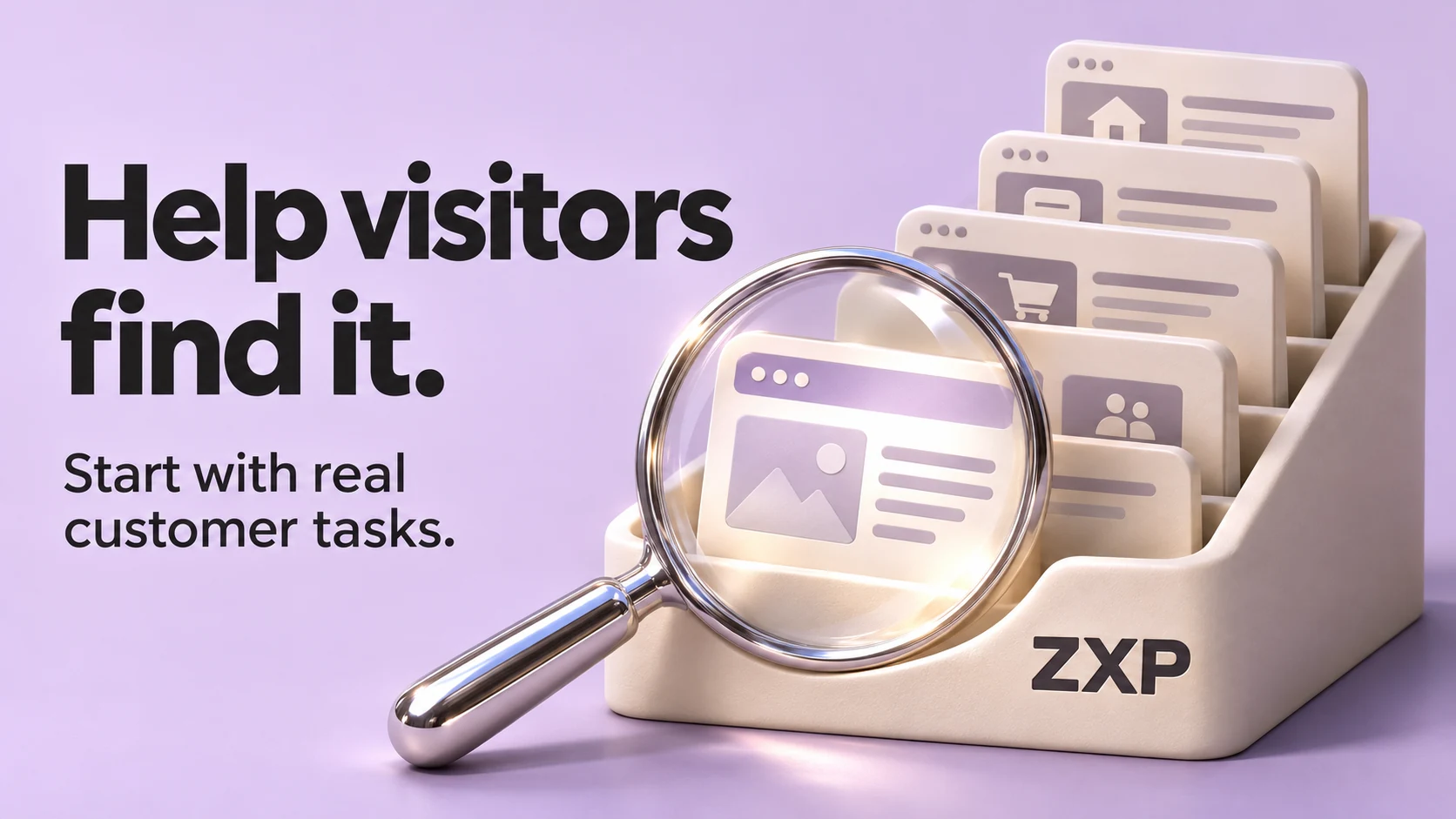
A small-business website does not automatically need a search box. It needs ways for visitors to find the information they came for. Search deserves a closer look when people need a particular item from a collection, such as a model-specific service sheet or an older resource article. For a compact site, clear links may answer the same need with less to maintain.
Site search means searching within your website. It is separate from appearing in Google results. Before adding it to a project brief, name the customer task it should help with and the page or document that should answer it.
Start with the finding problem
Ask the people who answer customer enquiries what visitors struggle to locate. Then check whether the answer is actually on the site. A missing explanation needs content. An existing service hidden behind an unfamiliar label needs a clearer route. A collection of similar resources may need another way to retrieve the right item.
The U.S. Web Design System’s search guidance generally favours offering search, while allowing that single-page or very small sites may work without it. That is useful design guidance, not a page-count rule for your business. The decision still needs evidence from the content and the people using it.
Write down a few representative tasks before choosing a tool. Include something easy to find, something people describe in different words and something genuinely difficult to locate within a collection. Ask a person unfamiliar with the site to try them, and record where they look and what they find. Do not tell them which menu label or search term to use.
Use a fictional decision worksheet
Imagine a commercial equipment-service business considering site search. The business, model name, content and customer wording below are invented. The proposed decisions are hypotheses to test, not findings from customer research or results achieved by ZXP.
| Customer task and possible words | Expected public answer | Invented starting point | Decision to test |
|---|---|---|---|
| Find out whether weekend service is available. Possible query: “weekend visits”. | Confirmed service hours and any limits. | The website does not answer the question. | Confirm the policy and add the answer first. Search cannot retrieve an explanation that has not been published. |
| Find the annual maintenance plan. Possible query: “yearly service”. | A page explaining the plan and how to enquire. | The page exists under an unexplained menu label, “Care”. | Test a clearer link label and relevant links from service pages. Search may offer another route, but the label still needs attention. |
| Find the public service-eligibility sheet for the fictional VX-40 model. Possible query: “VX-40”. | The current sheet for that exact model, not a similar model. | Separate sheets sit in a growing resource collection. Each carries a model name. | Compare browsing the collection with searching the exact model name. Check whether the correct current sheet appears and can be distinguished from other results. |
The third row gives search a specific job: retrieving one item from a collection. If browsing a short, organised list already works well, that may be enough. If customers repeatedly need exact model names across many entries, a search trial has a clearer purpose. Neither conclusion can be proved by this fictional worksheet.
To make your own version, replace the invented tasks with real ones. Record the expected destination, current route, words a customer might use and what you want to learn. Keep an empty space for the observed result. That prevents a reasonable design idea from being recorded as a successful test before anyone tries it.
Define what search covers
Decide whether the search covers the whole public website or one collection. A box labelled “Search resources” should not quietly behave like a search of services only. List the types of content it should include, and ask the developer to demonstrate that each is actually searchable. Do not assume a document will appear just because it has a link on the site.
Only approved public pages and documents belong in a public search collection. Excluding a file from search does not make it private. Customer records, internal files and other restricted material need appropriate access controls of their own. Have the developer check the underlying access as well as what appears in results.
For the fictional equipment business, the scope might be current public service sheets and resource articles. That leaves a concrete question for the developer: when a sheet changes, how does the search pick up the new version and stop showing the old one? Get that answer before treating the feature as finished.
Test the result, not just the box
Use the worksheet to inspect the complete path from query to useful answer. For the fictional VX-40 task, a result titled “Download” gives little help choosing between sheets. A title that identifies the model and document purpose gives the reviewer something meaningful to check. Open the result too: the correct-looking title must lead to the current content.
Try the exact identifier, a likely everyday phrase, a typo and a query that should find nothing. These are test cases, not a promise that every search tool handles them. W3C’s search-function technique identifies spelling support, word endings and synonyms as ways to make search more accessible. Ask which of those behaviours the proposed implementation supports and test the ones that matter to your content.
For an empty result, give the visitor an honest explanation and a way forward. In this example, that might mean revising the query, browsing the public resource list or contacting the business with a service question. Avoid implying that a service is unavailable simply because the search found no matching page. Keep the entered words visible so the person can edit them, consistent with USWDS search guidance.
Keep other routes available
Search should sit alongside useful navigation. W3C’s Multiple Ways guidance explains that people need more than one way to locate pages in a set, with exceptions for process steps and results. Search is one possible method; the guidance also describes links and site maps. Adding a search box alone does not establish accessibility conformance.
Check that a visitor can reach the field, enter a query, submit it and leave the search controls using a keyboard, with visible focus. Ask for a screen-reader check of the field and button labels. On a narrow screen and at increased zoom, check that the field and button remain usable. The USWDS accessibility checklist offers specific checks, but your own implementation still needs testing.
Continue through the results, not just the controls. Can the person understand that the search ran, reach a result and recover from no matches? Record any point where they lose their place or cannot continue, and include it in the fixes to review.
Name an owner before launch
Someone needs to keep the search useful as the website changes. Agree who can fix an unclear result title, investigate a missing page and check that retired material no longer appears. Save the worksheet as a short set of repeatable checks, and run the relevant tasks again when the content or search setup changes.
The decision can be modest: improve the existing routes, test search within one collection, or introduce site-wide search with a defined scope. Ask for the smallest implementation that answers the identified tasks, and record what still needs testing. A search icon in the header is the beginning of that work, not evidence that visitors can find the right answer.
To discuss a website project with ZXP, bring your current site and a short list of things customers need to find. Include any pages or documents you expect them to reach. That gives the discussion a practical starting point.
Sources & references
- 01Search
U.S. Web Design System
- 02G161: Providing a search function to help users find content
W3C Web Accessibility Initiative
- 03Understanding Success Criterion 2.4.5: Multiple Ways
W3C Web Accessibility Initiative
- 04Search accessibility tests
U.S. Web Design System
A perspective from the ZXP team.
Designed to help you ask better questions and take a clearer next step.