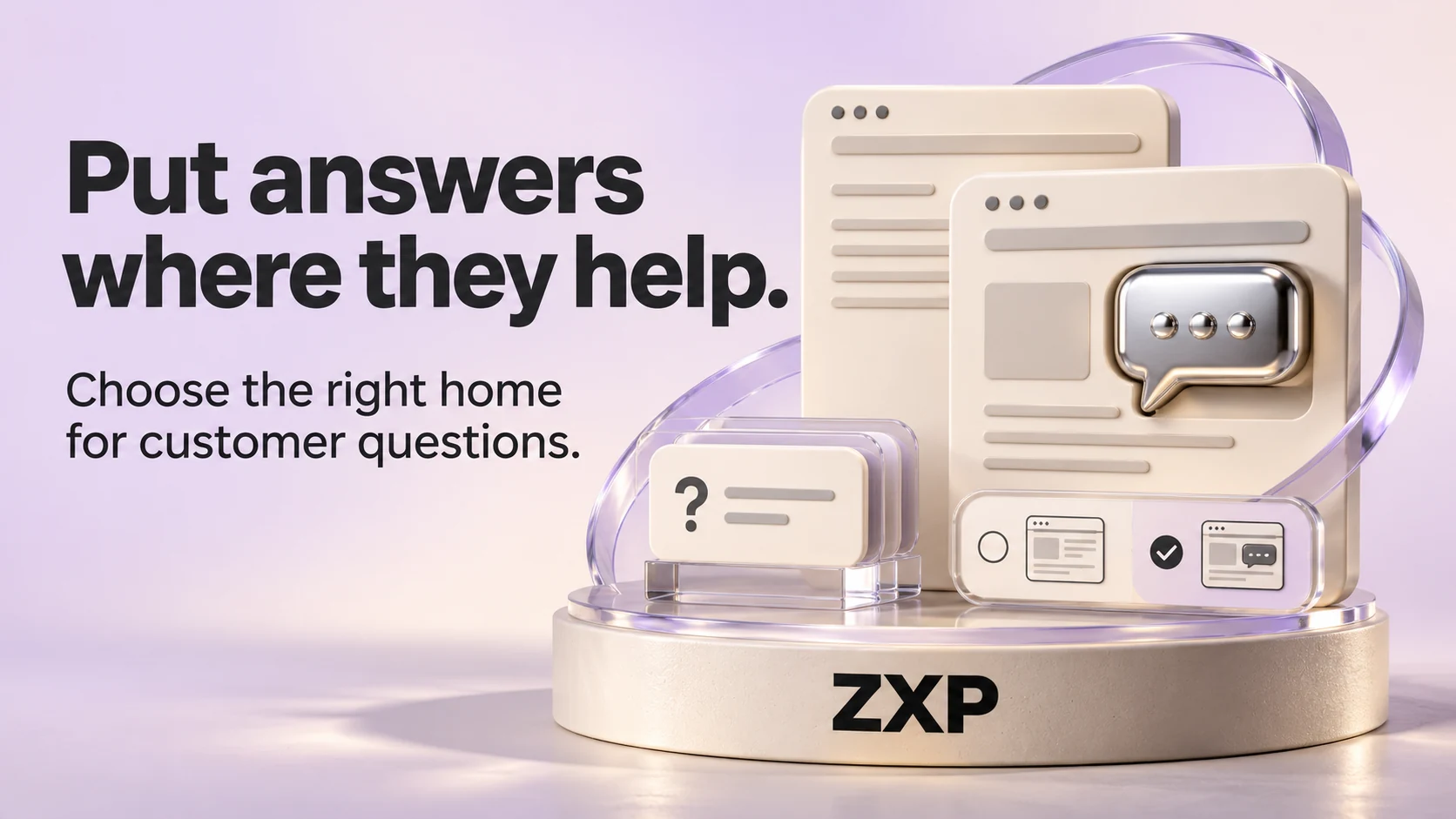
A customer reading about a service should not have to leave the page to find out whether it suits them. At the same time, copying every answer onto every page creates information that someone must keep consistent. A useful FAQ plan starts by deciding where each answer belongs, then adding links wherever customers are likely to need it.
For a small-business website, the practical choice is often a combination: essential information in the service description, a few relevant questions nearby, and a separate destination for shared policies or detailed guidance. The number of questions alone does not tell you which arrangement will work.
Sort questions by the decision they support
Start with questions your team actually receives. Remove customer names and private details before using enquiry notes in a content brief. Group similar questions, but keep the wording understandable to someone who does not know your industry.
For each question, ask what the person needs to decide. Can you handle their type of work? What should they prepare? What happens after an enquiry? Does the answer apply to one service or to the whole business? These distinctions give you a more useful structure than a long alphabetical list.
Important service limits belong in the main explanation. If you only work on commercial equipment, that detail should not be hidden behind “Do you work with homeowners?” at the bottom of the page. A short question-and-answer section can clarify a remaining uncertainty without carrying the whole service description.
Use a simple answer-placement worksheet
Imagine a fictional repair business with installation and maintenance services. The questions and policies below are invented to illustrate placement, not findings from ZXP customer research.
For “Do you maintain equipment installed by another company?”, the maintenance page needs a direct answer beside its eligibility information. The business must first confirm which equipment it accepts. A generic FAQ link would make visitors take an unnecessary detour to resolve that service-specific question.
For “What should I send before an installation estimate?”, put a short preparation answer near the installation enquiry link. Link to a longer preparation guide only if customers genuinely need it. Keep required information distinct from optional information, and avoid asking for private documents through an unsuitable channel.
For “How do I change an appointment?”, a shared appointment-policy page may be the best maintained home. Service pages can provide a short summary and a clearly labelled link. Any exceptions for a particular service need to be visible there rather than contradicted by the shared policy.
Build your own worksheet with four fields: the customer's question, the decision it supports, the main home for the answer, and any other pages that should link to it. Leave uncertain business policies marked for confirmation. A polished answer is not useful if the team cannot honour it.
Give a separate FAQ page a clear job
A separate FAQ page can help when several services share a meaningful set of questions and people have a reason to browse those answers together. It can also serve returning customers who already know the service and need practical guidance.
Group the page around recognisable tasks, such as preparing for a visit or changing a booking. Use descriptive headings and links to the relevant service or policy. “Read more” repeated throughout a page says less than “See appointment-change options”.
Avoid turning the FAQ into a storage area for everything that did not fit elsewhere. If an answer needs several sections, examples and its own next step, give that subject a proper page. If a question has no clear customer purpose, check whether it belongs on the site at all.
Decide whether answers need to collapse
An accordion can make a long page look shorter, but it also hides information until someone opens it. The GOV.UK Design System's accordion guidance recommends testing content without an accordion first and avoiding it for information all users need to see. This is interface guidance, not a rule that every business FAQ must follow the same layout.
For a short set of answers, visible headings and paragraphs may be simpler. If you use expandable questions, check that the labels describe the answers and that people can operate the controls with a keyboard. Ask your designer to check the component with assistive technology as part of the agreed accessibility scope.
Keep essential conditions visible beside the relevant action. Someone should not need to open every question to discover an important eligibility restriction before requesting work.
Do not build the page around an old search feature
A useful answer can earn its place without a special search display. Google's Search documentation updates record that FAQ rich results stopped appearing from May 7, 2026, and that the associated documentation was removed in June. Older recommendations to add FAQ markup for that feature are therefore an unreliable reason to commission this page.
That change concerns Google's FAQ rich-result feature. It does not mean businesses should remove helpful questions and answers. Choose the content and its location around what visitors need, without promising rankings, search visibility or AI citations.
Keep one answer from becoming several policies
Name the person who confirms each business fact and the person who updates the website. When a policy changes, check the main answer, summaries, booking instructions and any other places that repeat it. Linking to one maintained explanation can reduce duplication, but short local summaries still need checking.
Before signing off the layout, give someone unfamiliar with the site a realistic question and a starting page. Watch where they look, whether they find the answer and whether they understand the next step. Record what happened rather than assuming the new FAQ solved the problem.
To discuss a website project with ZXP, bring a few recurring customer questions and the pages where people currently encounter them. That gives the content discussion a concrete starting point: which answers need to move, which need clarification, and which deserve their own page.
Sources & references
- 01Accordion
GOV.UK Design System
- 02Latest documentation updates
Google Search Central
A perspective from the ZXP team.
Designed to help you ask better questions and take a clearer next step.