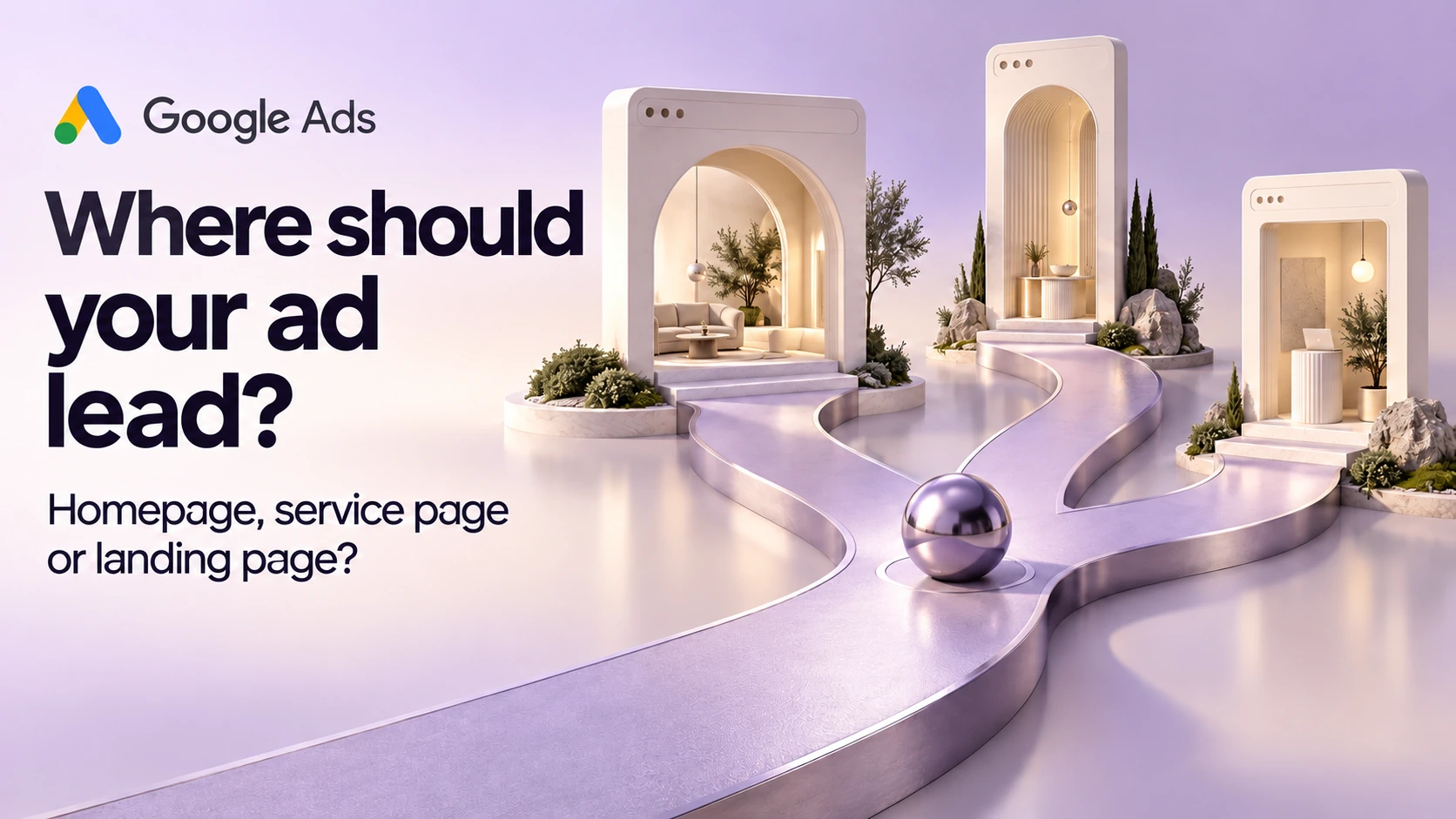
Send a Google Ads visitor to the page that best fulfils the ad's promise. A homepage can work when someone wants an overview of your business. An existing service page is often a sensible candidate for a specific service. A dedicated campaign page becomes useful when an offer needs information or a request process that those pages do not provide.
You do not need to settle this by choosing between a supposedly bad homepage and a supposedly perfect landing page. In Google Ads terminology, a landing page is simply the page reached after an ad click. Any of those three options can be the landing page. The decision is whether it does the right job for that visitor.
Put the ad beside the proposed destination
Before commissioning a page, write down the service or offer in the ad, the customer it addresses and the action it invites. Then open the proposed destination without navigating through the rest of the site.
Google's landing-page guidance recommends matching the page to the ad and keywords, making the intended action easy to find and keeping navigation usable on mobile. Apply that guidance to the actual promise. A visitor responding to an ad for a particular repair should be able to recognise that repair and find out how to request it.
For a practical review, ask a colleague who did not write the page to point to the answer to each of these questions:
- Is this the service or offer mentioned in the ad?
- Can I tell whether it is available to someone in my situation and service area?
- What information do I need before deciding to contact the business?
- What happens when I use the main button or form?
Ask them to show you where the page answers each question. A vague impression that the page feels modern will not reveal an absent condition or a button that promises the wrong next step.
Three fictional ads, three different destinations
The examples below are planning scenarios for an invented local garage. They do not describe ZXP campaigns, clients or measured results. Each page choice is provisional until the actual page and enquiry route have been checked.
| Fictional ad promise | First page to consider | Why it fits | Reject this choice if |
|---|---|---|---|
| The garage's name, with an invitation to view its services and location | Homepage | The visitor needs a business overview and a route to the relevant service | The homepage hides the location, gives little indication of services or buries contact options |
| Bumper repair, with an invitation to request an assessment | Existing bumper-repair service page | The destination can answer questions about that specific work and the assessment process | The page covers general repairs only or implies a final quote without an assessment |
| A time-limited detailing offer with its own eligibility and enquiry route | Dedicated campaign page, if those details do not fit an existing page | The offer can be explained in full without making the general service page temporary | The offer is unapproved, essential conditions are missing or nobody owns the page after the offer ends |
A homepage can be the right introduction
In the first scenario, the ad introduces the garage as a business. A useful homepage could show its service categories, location, hours and ways to get in touch. Someone searching by the garage's name may be trying to establish that they have found the right place before choosing a service.
The same homepage is a weaker candidate if the ad promises one narrowly defined repair and leaves the visitor to search for it. In that case, review the service page first. The relevant distinction is the visitor's task, not how many design features the homepage contains.
Give an existing service page a fair review
For the bumper-repair ad, examine what the service page already explains. Does it describe the work the garage considers, what the assessment involves and how someone starts a request? Are the photographs genuine and relevant, and are any claims supported? Can the team handle the request made by the button?
If those answers are sound, a targeted improvement may be enough. You might clarify that the form starts an assessment; it does not produce an immediate price. Building a second page with essentially the same information would also create another place to maintain those details.
There may still be a reason for a separate campaign page, such as a genuinely different offer or request flow. Write that reason down. It should explain a reader need that the existing page cannot reasonably meet.
A temporary offer needs an owner after launch
The third scenario has different information requirements. A time-limited offer may need dates, eligibility, exclusions and an explanation of what the customer is requesting. Those details must come from the business. Do not invent a discount, scarcity message or deadline to make the layout look persuasive.
Before choosing a dedicated page, name who will check the offer's accuracy and what should happen when it ends. A page can look current long after the business has stopped honouring its offer. The campaign owner and website maintainer should agree the next action rather than leaving an expired page attached to an active ad.
Keep useful navigation and remove avoidable obstacles
There is no reason to strip every page of navigation by default. A visitor may need to check the location, learn about the business or read a relevant policy before making contact. Assess each link by whether it helps that decision. An unrelated promotion competing with the main offer deserves a different discussion from a link explaining a material condition.
Now use the proposed page on a phone. Check the first screen, enlarge the text and try the contact route. Can you find the offer without dismissing several overlays? Does the button lead to the expected form? Can you correct a mistake without losing the rest of your answers?
The W3C guidance on form notifications calls for clear feedback on completion and errors. For this review, read the actual message after a test submission. If the team must confirm availability, the page should acknowledge a request rather than announce a confirmed booking.
Decide how you will judge the page
Agree on the outcome before comparing destinations. A phone-link click, a submitted form, a received enquiry and a suitable job request are different stages. Ask the person maintaining measurement what is recorded, then ask the receiving team how the request is handled. A page comparison based on a mislabelled event will answer the wrong question neatly.
Start with a bounded decision, such as whether the existing repair page gives visitors the information missing from the homepage. Record the proposed improvement and why it should help. If the campaign team runs a comparison, have them document traffic allocation, dates and other changes so the result can be interpreted.
A small number of enquiries may leave the answer uncertain. A short before-and-after result can also reflect a changed offer, traffic mix or seasonal demand. Keep the counts and known differences visible; do not declare a winning design from a percentage alone.
If the page already matches the promise and its contact route works, a new page may not be the first work to commission. If the gap is substantial, take the ad, destination and unanswered questions into a discussion about ZXP's website services or Google Ads services. That gives the project a specific problem to solve.
Sources & references
- 01Landing page
Google Ads Help
- 02Optimise your ads and landing pages
Google Ads Help
- 03User Notification
W3C Web Accessibility Initiative
A perspective from the ZXP team.
Designed to help you ask better questions and take a clearer next step.