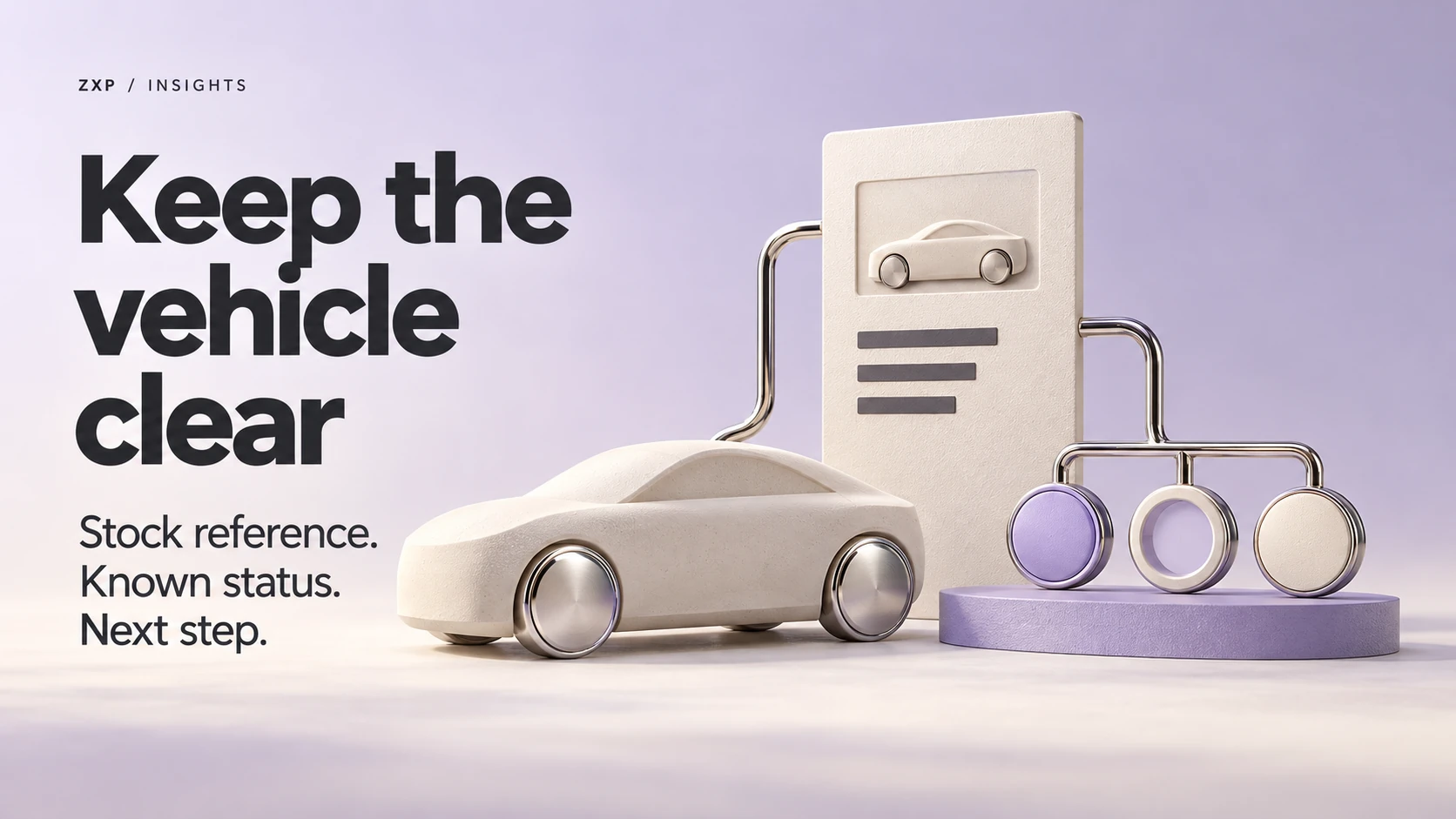
A vehicle enquiry page should let the shopper and your team identify the same stock unit and understand its current known availability. Start with one agreed stock reference, then follow it through the inventory card, vehicle detail page, enquiry form and received request. Check what happens when the status changes, as well as how the page looks today.
For a dealership owner, this is a review to do with the person who maintains the website and the team that handles enquiries. You need to agree where the stock information comes from, who confirms it and what the website can honestly tell someone before they make contact.
Follow the same vehicle through the enquiry
Choose the reference your team actually uses to identify a stock unit. Compare it wherever that vehicle appears on your site. The title, photographs and description should all belong to that unit. Ask the stock owner to check any feature description copied from a general model record against the particular vehicle being offered.
Then open the enquiry from that vehicle’s page. Can the shopper still see which unit they selected? In an agreed test, can the receiving team identify it from the request without asking the shopper to repeat the details? Record the stock reference and page link that arrive, and compare them with the page used to start the enquiry. Include any other vehicle-specific entry points your site actually offers.
The form’s visible heading and its received contents both need checking. A correct heading alone does not establish that the same reference reached the team. If staff use a shared inbox or a customer-management system, ask them to show the labelled test request in that destination.
Give each known state a truthful next step
The table uses DEMO-A, an invented stock reference at a fictional dealership. These are plain-language examples for discussing the website. “Reserved” means a hold defined by this fictional dealer’s own process. The labels are not Google feed values or universal dealership definitions.
| Known state in this fictional workflow | What the page and enquiry can communicate | Evidence or next check and its owner |
|---|---|---|
| Available according to the agreed current source | Identify DEMO-A and offer an enquiry. Explain if sending it only requests contact. | The stock owner confirms the source record; the receiving team checks that DEMO-A arrives with the request. |
| Reserved under the dealer’s defined hold process | Show the reserved state and explain any enquiry option the dealer still offers. Avoid promising an unrestricted test drive. | The stock owner confirms what the hold means; the maintainer checks the card, detail page and enquiry wording. |
| Confirmed sold | Show that DEMO-A is sold wherever the page remains visible. Offer current inventory or a clearly described alternative enquiry. | The stock owner confirms the sale state; the maintainer checks that the visible paths no longer offer DEMO-A as available. |
| Status unconfirmed or records conflict | Say that availability needs confirmation. Keep the vehicle identifiable while the team checks. | The named stock owner reconciles the records. The maintainer reviews any wording that currently implies certainty. |
Ask what each label means in your own business before choosing the wording. If two records disagree, assigning a definite “available” or “sold” label would hide the unresolved question. Keep that question with someone who can establish the current state.
Agree who updates the status and checks the result
Write down the source the team relies on, who can confirm a change and who checks its appearance on the website. One person may cover several roles. What matters is that a change has an owner through to the page and enquiry the shopper sees.
Treat an import result and a stock check as separate evidence. A successful import tells you about that transfer; it does not establish that the source still reflects the vehicle’s current state. Ask your maintainer how a changed or unresolved record is handled, including any page text that needs a separate update. Agree the checks around your actual workflow rather than assuming automatic, real-time accuracy.
If the page shows a date or time for its stock information, agree exactly what it describes. It should correspond to a real, successful check relevant to the displayed information. Reloading a page or attempting an import that fails should not create the impression that availability has just been verified.
For dealerships using Google Vehicle ads, there is also a product-specific requirement: submitted vehicle data and the associated landing page must match. Google’s examples include availability and vehicle identity. See its Vehicle ads data-quality guidance. Its availability-mismatch guidance calls for visible availability and removal of out-of-stock vehicles from the advertising data source. That removal concerns the ad data source. Decide separately with your maintainer how the website URL should be handled.
Work through one status change together
Use an isolated preview and agreed fictional test data, with a receiving destination set aside for the check. Agree that scope before starting. Changes to live inventory, campaigns, bookings, customer data or live messages need separate authorization.
Here is an invented review record for an available-to-reserved change. No actual dealership test was performed. In this example, the fictional dealer allows an enquiry while DEMO-A is reserved, but sending one creates neither a hold nor an appointment.
| Review entry | Fictional record |
|---|---|
| Agreed change and source owner | The stock owner changes DEMO-A from available to reserved in the isolated preview’s agreed inventory record. |
| Expected result | The card and detail page show reserved. The enquiry identifies DEMO-A and explains that it requests contact only. |
| Invented observation | The detail page says reserved, but the card still says available. A labelled test request reaches the test inbox with DEMO-A and the correct preview page link. |
| Owner and next action | The maintainer investigates the card mismatch and checks its wording. The stock owner confirms the intended state; the receiving team checks the next test request. |
| Evidence needed to close the check | Record the actual check time and source state, capture the corrected card and detail page, and match a new labelled request to the receiving record. Keep the issue open until these agree. |
This record lets the team separate a page mismatch from a request that lost its vehicle reference. Keep the evidence beside the issue so the next person can repeat the same check after a correction.
Explain what sending the enquiry does
Read the button, nearby explanation and confirmation as one sequence. If sending the form only asks the team to contact the shopper, the wording should say so. A reservation or appointment confirmation belongs only in a workflow that actually completes that action.
W3C’s form-notification guidance recommends clear feedback about success or errors, with instructions for correcting mistakes. Apply that to the actual outcome of your enquiry. Then verify receipt with the receiving team rather than treating a success screen as the end of the review. For broader decisions about which details to request, see what a service-business quote form should ask.
Bring the unresolved mismatch to your website brief
Before discussing a redesign, collect one concrete example: the stock reference, the agreed source, the conflicting page or enquiry, and the person responsible for confirming the state. Add the receiving process and any evidence still missing. That gives your website team a problem it can investigate and a result you can check together.
If you are considering ZXP’s website services, bring that record to the scope discussion. It helps explain what your website needs to show and where an enquiry needs to go. Any proposed integration or change can then be assessed against your actual setup.
Sources & references
- 01Vehicle listing ads: Vehicle ads data quality will show in account issues
Google Merchant Center Help
- 02How to fix: Vehicle availability mismatch
Google Merchant Center Help
- 03User Notification
W3C Web Accessibility Initiative
A perspective from the ZXP team.
Designed to help you ask better questions and take a clearer next step.