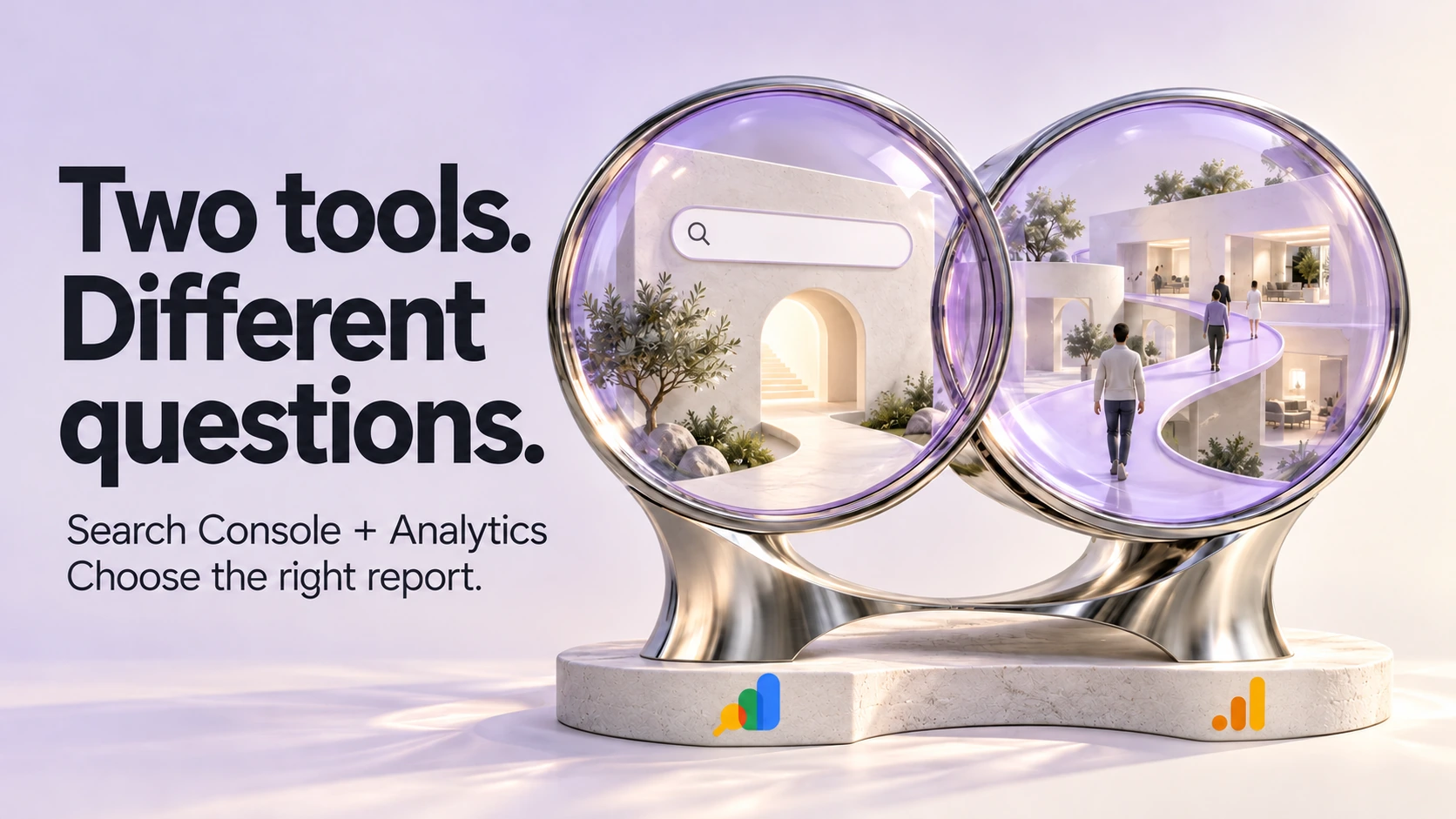
Use Google Search Console to understand how your website appears in Google Search. Use Google Analytics to examine the visits and actions your website is configured to measure. When the question is whether those visits became suitable enquiries, you also need evidence from the people or system handling them.
That distinction makes a reporting meeting much more useful. Instead of asking which dashboard is right, start with the decision you need to make: investigate search visibility, improve a particular page, repair tracking or review the enquiries your team receives.
Choose the report before comparing the numbers
In Search Console's Performance report, clicks describe clicks from Google Search results, while impressions describe appearances in those results. You can examine the available queries and group performance by page, country or device. These figures describe your site's search exposure; they are not the total number of people searching for your services.
Google Analytics 4, or GA4, looks at activity collected from your site or app. Its Traffic acquisition report helps you examine where sessions came from. A session is a period of interaction, so it measures something different from a search-result click. The Landing page report groups sessions by the page on which they began.
The following map puts those reports alongside the business evidence they cannot replace.
| Your question | Start here | What remains to be checked |
|---|---|---|
| Which Google searches brought visitors to this service page? | Search Console Performance, using the page and available query data | Whether those searches match work the business accepts |
| Are visits from Google organic search changing? | GA4 Traffic acquisition, using session source and medium | Whether collection, filters and the comparison period are consistent |
| What happened in sessions that began on this page? | GA4 Landing page report and the relevant configured event | Whether the event actually represents the action its name suggests |
| Did the business receive an enquiry? | The agreed inbox or customer system | Whether the message arrived, was genuine and was handled |
| Did the enquiry fit our services? | The team's qualification record | Whether the same service-area and job-fit criteria were used throughout |
Treat an unavailable report or an unconfigured event as missing evidence. Writing zero in its place gives the number a meaning it has not earned.
Why clicks and sessions can disagree
Google's comparison of Search Console and Analytics explains that the systems use different measurements. Consent choices, missing Analytics tags, time-zone boundaries and URL reporting can all contribute to discrepancies. Search Console commonly attributes page data to the canonical URL Google selected, while Analytics can report the URLs on which its tracking runs.
A difference alone does not identify a fault. Nor is there a universal percentage that tells every business when to worry. A sudden change after a website release deserves investigation, particularly if the affected pages also stopped recording expected activity. The useful question is what changed and where, rather than how to force two totals to match.
Ask whoever maintains the reports to preserve the original views before changing settings. Record the property, dates, filters and metric names. If the cause is a collection problem, fixing that problem matters more than making this month's spreadsheet look tidy.
A fictional case: more search clicks, no more enquiries
Imagine a local repair business reviewing a completed reporting period. Search Console clicks have risen, total website sessions look flat and the team has received no additional enquiries. These are hypothetical observations, not a ZXP client result or a benchmark.
The owner is considering replacing the service-page design. Before approving that work, the team can separate three questions.
Where did the extra search clicks land?
Look at the pages behind the increase. Suppose the additional clicks led mainly to a troubleshooting article, while the repair-service page changed little. That would explain why a higher site-wide search total might not bring an immediate increase in service requests. Someone looking for an explanation may have a different task from someone ready to ask a business for help.
That possibility should shape the next check. Read the available queries and the article itself. Does the page answer the question honestly and make a relevant next step easy to find? Do not turn an informational page into a hard sell simply because its visitors have not sent enquiries.
If the growth instead reached the repair-service page, the team has a stronger reason to examine that page's visitors and contact route. The same headline number leads to a different investigation once the destination is known.
Does the Analytics comparison isolate the same traffic?
A site-wide sessions total includes traffic beyond Google organic search. One source can grow while another falls, leaving the overall figure almost unchanged. Compare the appropriate Google organic sessions before concluding that Analytics missed the increase.
Then check whether both views cover the intended pages, country and complete dates. If the search report concerns Canadian visitors but the Analytics view includes every country, the two views are answering different questions. Device groupings may also help locate a change, although they still do not turn a search click into a session.
Ask about recent tag, consent or website changes if the filtered views still move in unexpectedly different directions. Keep a possible measurement problem separate from a conclusion that the page is failing.
What does unchanged enquiry volume actually tell us?
First establish how the business counted enquiries. An inbox record, a phone-link event and a dashboard's key-event total are different evidence. The business may also have received the same number of requests with a different mix of suitable and unsuitable work.
Review broad, consistent outcomes such as service offered, service area and whether the team made contact. A change in those outcomes could matter even when the total stays flat. Keep the customer details in the appropriate business system; the reporting discussion generally needs counts and categories.
At this point, the owner may discover a contact problem worth repairing, a traffic mix worth understanding or simply too little evidence to justify a redesign. All three are more useful conclusions than treating rising clicks as proof of business growth.
A key event needs a clear definition
Google defines a key event as an event measuring an action important to the business. Marking an event as key changes how it is reported; it does not independently establish that a useful enquiry arrived.
Ask for a plain-language definition beside each important event: what action triggers it, what it excludes and who last checked the implementation. For a quote-request event, that could mean checking an agreed test submission against its recorded event and actual receipt. A button click should not quietly stand in for a completed request.
Google's recommended lead events distinguish generating a lead from qualifying one. Those stages require appropriate implementation and a business process. They are not automatically available because the event names appear in documentation.
Bring one decision to the next reporting review
Choose a question narrow enough to answer, such as whether Google organic visitors to one service page are completing its request route. Save the relevant report views, write down how the event is defined and ask the receiving team what happened to the requests. Record what is still unknown alongside what you observed.
If the evidence points to search visibility, explore ZXP's SEO services. If it points to the page or contact experience, ZXP's website services are the more relevant starting point. The report should help define the work before you commit to it.
Sources & references
- 01
- 02
- 03
- 04Using Search Console and Google Analytics data for SEO
Google Search Central
- 05Key event
Google
- 06[GA4] Recommended events
Google
A perspective from the ZXP team.
Designed to help you ask better questions and take a clearer next step.